
What to review before changing your dealership’s service scheduler
Choosing automotive appointment scheduling software for a dealership is an operational decision. A useful evaluation follows an appointment from the first booking interaction through the handoffs your dealership relies on, then asks whether the system supports the service day your team needs to deliver.
Start with your current workflow and a few real problems you want to solve. Use those examples throughout the demonstration and implementation discussion.
1. Confirm the supported DMS workflow
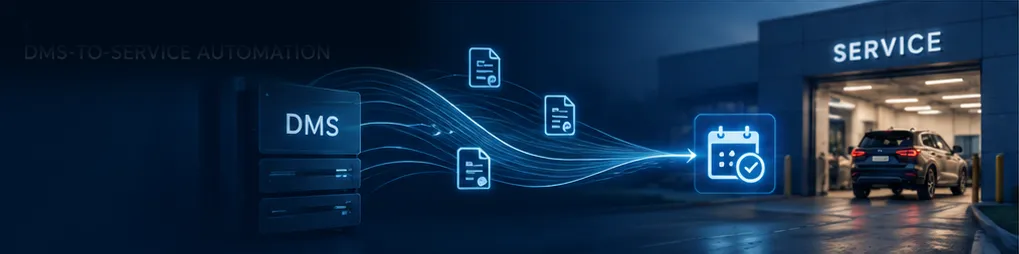
Name the DMS and connected tools your dealership actually uses. Ask which connections are supported and what information moves between them. Clarify where an appointment is created, how changes are handled, and which system staff should treat as the source of truth.
Have the provider explain any limitations that affect your operation. Compatibility is most useful when it describes the specific workflow your team needs.
2. Look beyond the number of appointment slots
Ask how availability reflects technician capacity, employee schedules, and the types of work being booked. Discuss maintenance, diagnostics, recalls, and any other service categories that need different planning.
Which settings can your dealership control?
How are schedule changes reflected in availability?
How does the booking experience account for different service needs?
What happens when a request needs staff attention?
3. Include every booking channel
Review customer self-service, advisors, the BDC, and any connected AI or customer communication providers. Ask how those channels obtain availability and how your team can identify the source of a booking.
Use the demonstration to trace one appointment through the tools your dealership uses. Include a change or cancellation so the discussion covers more than the initial booking.
4. Walk through the customer experience
Try the booking process on a phone. Review service selection, advisor options, transportation, appointment availability, and confirmation wording. Make sure the customer can understand what they have requested and what happens next.
Discuss how the experience handles a request that cannot be completed online. A clear next step matters when the standard booking path does not fit.
5. Agree on implementation responsibilities
Ask what information the provider needs, who reviews the configuration, and how staff will learn the workflow. Include service offerings, operating hours, employee availability, booking preferences, and transportation where relevant.
Review the expected sequence for setup, validation, training, and launch. Confirm timing against the actual scope and supported connections rather than assuming every dealership follows the same schedule.
6. Define what a useful review looks like
Choose measures that relate to the scheduling problem you are trying to solve. Appointment volume, booking sources, distribution across the day, and staff observations can help frame the discussion.
Clarify what the scheduler reports directly and what requires information from another system. Agree on who reviews the results and how configuration questions are handled after launch.
Bring your workflow to an EvenFlow AI demonstration
EvenFlow AI focuses on dealership service scheduling and shop loading around available capacity. Bring your DMS details, booking channels, and service growth goals so we can review the fit for your operation.
Request an EvenFlow AI demonstration or explore more dealership service insights.


